 how-to
How to Verify Licensed Florida Contractors
Table of Contents
- Why Verifying a Florida Contractor's License Matters
- Understanding Florida Contractor License Types and Classifications
- How to Use the Florida Contractor License Lookup Portal
- How to Check Contractor License Status and Validity
- Florida Business Registration Search and Identity Verification
- How to Verify Contractor Insurance and Financial Responsibility
- Checking Complaints, Disciplinary History, and Red Flags
- What to Do If You Can't Verify a Contractor or Find Issues
- Frequently Asked Questions
Last Updated: October 12, 2026
Why Verifying a Florida Contractor's License Matters
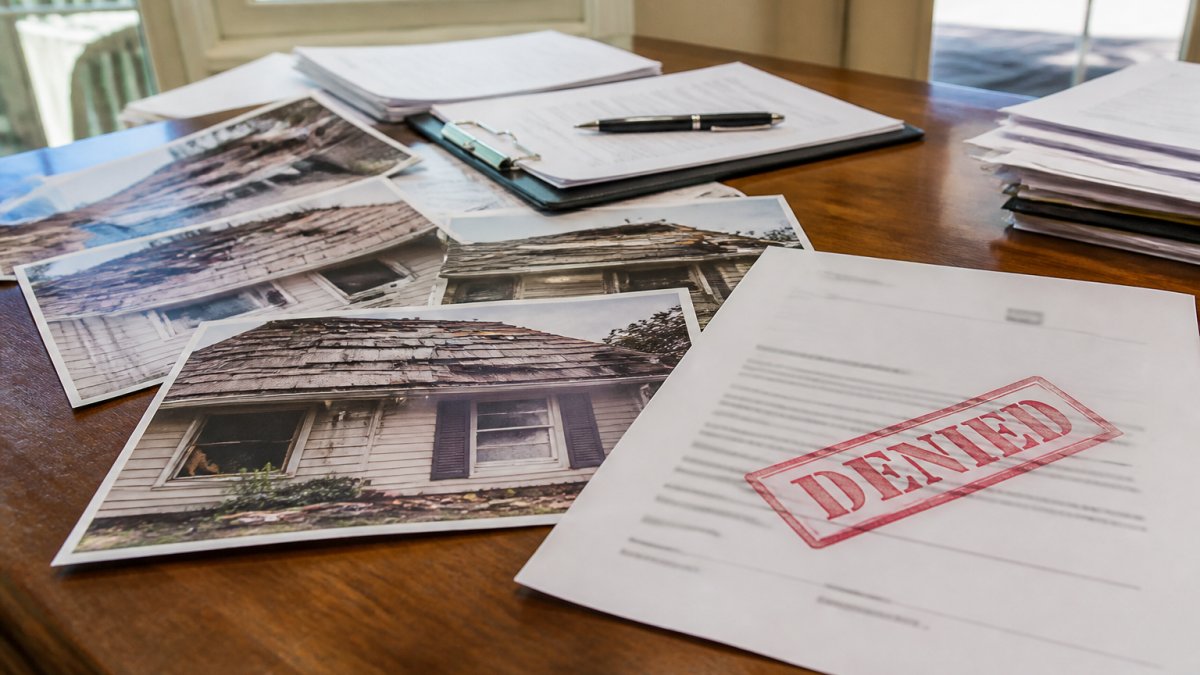
Before hiring any contractor in Florida, verify licensed florida contractors through the state database. A licensed contractor has met state requirements and can be held accountable if work goes wrong; an unlicensed one leaves you with no recourse if the job fails or your home is damaged.
This is especially critical in Florida, where storm damage restoration, roofing, and custom home construction are common. Homeowners rush to hire after a hurricane, exactly when unlicensed operators strike.
Verifying a contractor's license takes 10 minutes online. It's the single best protection you have before signing a contract.
Here's what you need to check:
- Is the license current and active?
- Does the license cover the type of work you need?
- Has the contractor faced complaints or discipline?
- Is the contractor's business registration valid?
- Does the contractor carry required insurance?
Understanding Florida Contractor License Types and Classifications
A license type is the legal boundary of what a contractor can build, repair, or install. The most common mistake is seeing "active" on a search result and assuming the contractor can do any job.
Within those families, the classifications you will see most often are:
- General Contractor, the broadest certification. Can build, remodel, repair, and demolish structures of any size, residential or commercial, and supervise all trades.
- Building Contractor, limited to commercial and residential buildings that do not exceed three stories.
- Residential Contractor, limited to one-family and two-family residences, plus certain accessory structures. Cannot touch commercial buildings or residences of three stories or more.
- Specialty Contractor, limited to a single trade or defined set of trades. Roofing, sheet metal, air conditioning, mechanical, plumbing, electrical, pool, solar, and similar categories each have their own specialty classification.
How to read the classification on a search result
On the DBPR record, look for the field labeled "License Type" or "Classification", the authoritative answer to what the contractor can legally do. A few translations:
- A Certified Roofing Contractor can install, repair, and replace roofs, and nothing else. They cannot frame a wall or run electrical.
- A Certified General Contractor can perform roofing work, but a roofing specialist is often the better hire because that is the entirety of their practice.
- A Certified Residential Contractor can build your house but cannot build a detached commercial workshop on the same lot.
- A Certified Plumbing Contractor can run supply and drain lines but cannot install the HVAC system that connects to them.
Match the classification to the project before you sign
Ask the contractor to state in writing the classification they hold and confirm it covers your scope, then verify that against the DBPR record.
When the classification is ambiguous
Some classifications overlap, and some projects sit on the boundary between two categories.
How to Use the Florida Contractor License Lookup Portal
The Florida Department of Business and Professional Regulation (DBPR) maintains an official online portal, the authoritative source for contractor information in the state.
Go to the DBPR website and find the contractor license search tool. It is free, public, and requires no account.
Searching by Contractor Name
Enter the contractor's first and last name. If the name is common, you'll get multiple results, look for the one matching the contractor you're hiring.
Once you find the listing, check these details:
- Full name and business name
- License number and type
- License status (active, inactive, expired, or suspended)
- License expiration date
- Contractor's business address and phone number
If the contractor's name doesn't appear in the search results, they are not licensed in Florida. Do not hire them for licensed work.

Searching by License Number
If you have the contractor's license number, search directly by number, faster and more precise than searching by name.
The license number is a unique state-assigned identifier the contractor should provide on their business card, website, or quote. If they won't give it, that's a red flag.
Searching by number eliminates confusion when contractors share similar names and confirms the number you were given is correct.
How to Check Contractor License Status and Validity
A license can be active, inactive, expired, or suspended. You only want to hire a contractor with an active license.
Active means the license is current and the contractor is legally allowed to work, the only status you should accept.
Inactive means the contractor is not currently licensed, whether lapsed or voluntarily. Do not hire.
Expired means the license is no longer valid because it was not renewed on time. Do not hire.
Suspended means the state has temporarily removed the contractor's ability to work, usually over complaints or violations.
The portal also shows the expiration date.
Florida Business Registration Search and Identity Verification
Beyond the license, verify the contractor's business registration with the Florida Department of State to confirm the entity is real and registered.
Go to the Florida Department of State's business search portal and search by business name or identification number.
The business registration shows:
- Legal business name
- Business address
- Date the business was registered
- Business status (active or inactive)
- Registered agent information
Match the business name and address from the license portal to the business registration. If they don't align or the business shows inactive, that's a problem.
This also verifies identity: a contractor with a real, active registration is more accountable than someone operating under the table.
A sole proprietor may have no separate business registration, so the contractor license becomes your primary verification.
How to Verify Contractor Insurance and Financial Responsibility
A licensed contractor must carry workers' compensation insurance. This protects you if a worker is injured on your property. Without it, you could be liable.
Ask for a copy of their workers' compensation certificate, which should show:
- Insurance company name
- Policy number
- Effective dates (current and valid)
- Contractor's name as the policyholder
Call the insurance company to confirm the policy is active, don't just trust the paper.
Also ask about general liability insurance, which covers damage to your property from the contractor's work.
Request a general liability certificate showing coverage limits appropriate for your project size.
Some contractors also carry bonding, which protects you financially if they fail to complete the work or don't pay subcontractors.
If a contractor refuses to provide proof of insurance, walk away. A legitimate contractor will have these documents ready.
Checking Complaints, Disciplinary History, and Red Flags
Where the records actually live
The DBPR publishes disciplinary and enforcement information through its public records and licensee search tools.
If the detail page doesn't surface the history, submit a DBPR public records request for the licensee's complaint and disciplinary file.
How to read a disciplinary record
A single entry isn't automatically disqualifying, what matters is pattern, severity, and recency. Sort each entry into one of three buckets:
- Administrative or technical, late renewal, missing continuing education hours, an address update. Low concern alone.
- Workmanship or contract disputes, a job incomplete, over budget, or below code. Worth asking about directly.
- Serious conduct, abandonment, unlicensed activity, fraud, financial mismanagement, or repeated violations. These should stop the hiring process.
Then ask three questions about each entry:
- How old is it? A resolved complaint from a decade ago carries far less weight than one from last year.
- How was it resolved? A completed citation, fine, or corrective action differs from an unresolved or repeat offense.
- Is there a pattern? Two or more entries describing the same problem, abandonment, non-payment of subs, code violations, is the strongest warning sign in the file.
Red flags that go beyond the record
Some risks never make it into a disciplinary file because the homeowner never filed. Watch for these behaviors during bidding and contracting:
- The contractor will not give you a license number, or the number they give does not match the DBPR record.
- The legal name on the license, the business name on the contract, and the name on the insurance certificate do not match.
- The business address on the license is a residence, a mailbox store, or a different state.
- The contractor asks for a large deposit, often a third or more of the project, before any materials are ordered.
- The contractor pressures you to sign the same day or offers a discount that expires immediately.
- The contractor has operated under multiple business names, or the business registration shows a recent formation date that does not match the license history.
- The contractor cannot or will not provide references from completed jobs you can actually visit.
Identity matching: the step most homeowners miss
Before you sign, put four documents side by side: the DBPR license record, the Department of State business registration, the certificate of insurance, and the written contract.
What to do with what you find
If the record is clean, move on. If there are entries, ask the contractor to explain each one directly.
What to Do If You Can't Verify a Contractor or Find Issues
If you cannot verify licensed florida contractors in the DBPR database, they are unlicensed. Do not hire them for licensed work, it exposes you to liability, poor workmanship, and no legal recourse. If you find complaints or disciplinary history, ask the contractor directly.
When you're ready to hire, get everything in writing. The contract should include:
- Scope of work (exactly what will be done)
- Timeline for completion
- Payment schedule (never full payment upfront)
- Warranty terms
- Change order process (how extra work is handled)
- Contractor's license number and insurance information
A good contractor is transparent about all of this.
Take the time to verify. It takes 15 minutes and can save you thousands of dollars and months of headaches.
Hiring the right contractor starts with verification. A licensed contractor with a clean record and active insurance is your foundation for a successful project. The few minutes you spend checking credentials now will protect you from costly mistakes later.
Frequently Asked Questions
How do I verify a contractor's license in Florida?
Visit the Florida Department of Business and Professional Regulation (DBPR) online portal at myfloridalicense.com. Search by the contractor's name or license number. The search results will display the license type, status, expiration date, and any disciplinary actions. Always confirm the contractor's name on the license matches the name on your contract and that the license is marked as active and current.
What should I check when verifying a Florida contractor license status?
Verify that the license is active and current (not expired, inactive, or suspended). Check the license classification to confirm it covers the work you need done. Review the licensee's name and business name to ensure they match your contract. Look for any notation of disciplinary history or complaints. If the status shows anything other than active, do not hire that contractor.
How can I check if a contractor's business is legally registered in Florida?
Use the Florida Department of State's Division of Corporations online search tool to verify the business registration. Search by business name or Employer Identification Number (EIN). Confirm the business is in good standing and the registered agent or owner name matches the contractor you plan to hire. This step protects you from unlicensed or fraudulent operations.
What should I do if I can't find a contractor's license or it shows as inactive?
Do not proceed with that contractor. An inactive, expired, or missing license means the contractor is not authorized to work in Florida and you have no recourse through state licensing boards if problems occur. Ask the contractor directly why their license is inactive, they may need to renew it. If they cannot provide a valid, current license, hire someone else.